Verbotics Weld
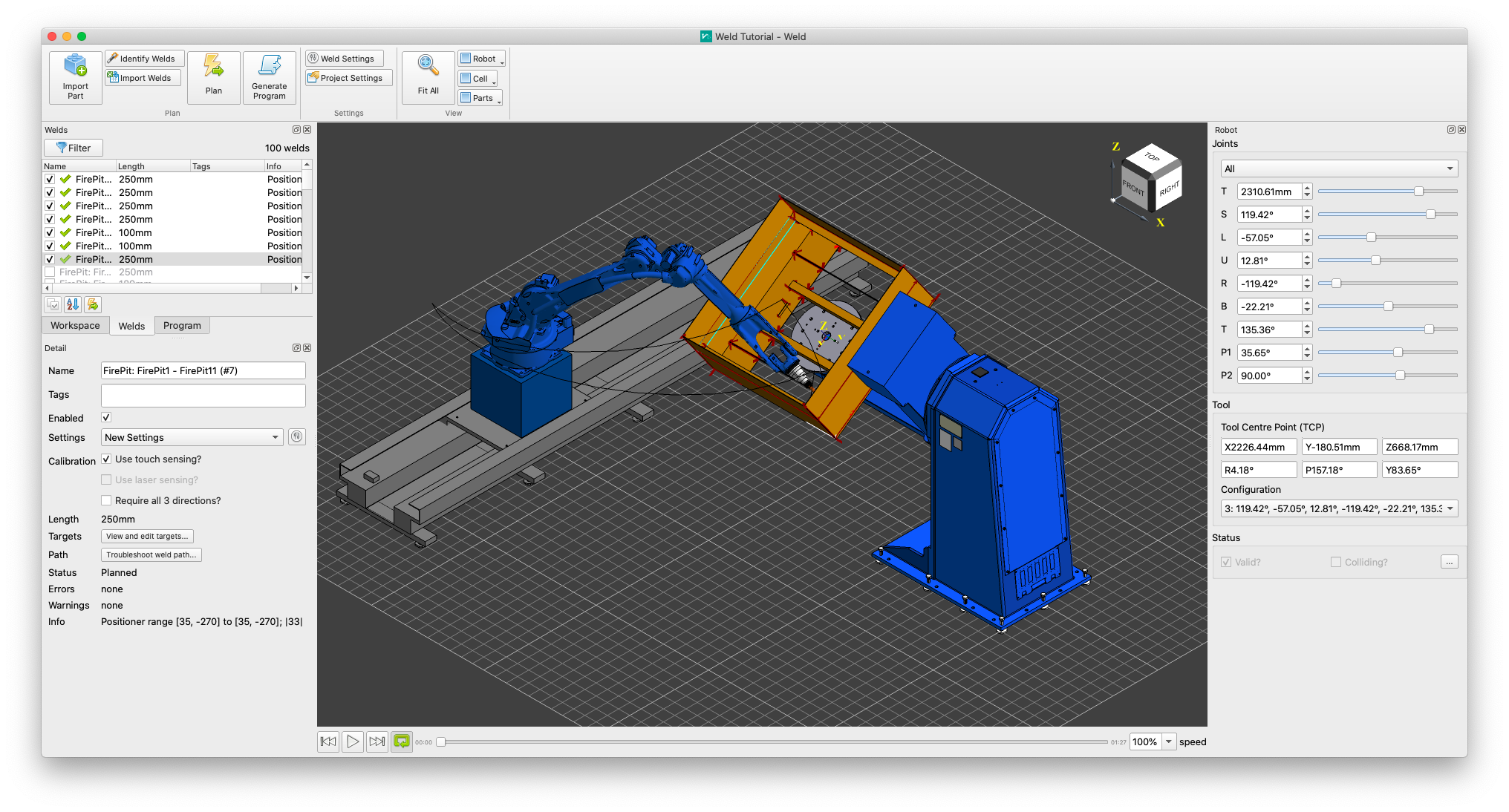
Verbotics Weld is a desktop application to automatically program your welding robot directly from CAD part models. It uses advanced algorithms to simplify robotic programming, even for complex parts. Learn how to use Verbotics Weld to more effectively program your welding robot with our tutorials and detailed references.
Downloads
Download a free trial version of Verbotics Weld. The trial version is fully featured except for the ability to generate robot code. Once you have downloaded the installer, follow the installation prompts to install Verbotics Weld on your computer.
In addition to the software, you will also need a workcell model and workpiece. You can download example workcells through “New Project” in the software. We have several example workpieces available for you to use.
Getting Started
To get started with Verbotics Weld, follow our installation and getting started tutorial to set up Verbotics Weld and use it to plan a simple example part.
Detailed References
More detailed topic references are available in the Reference section for end users. Reference documentation for system integrators and robot setup can be found in the Integrators section.
Licensing
Learn more about Verbotics Weld licensing and used open-source components on our Licensing page.
Questions
If you have any feedback or suggestions for the documentation, or any other enquiries, please get in contact with us.